
Spreadsheet for Excel, also opens in Google Sheets
Product Care Log
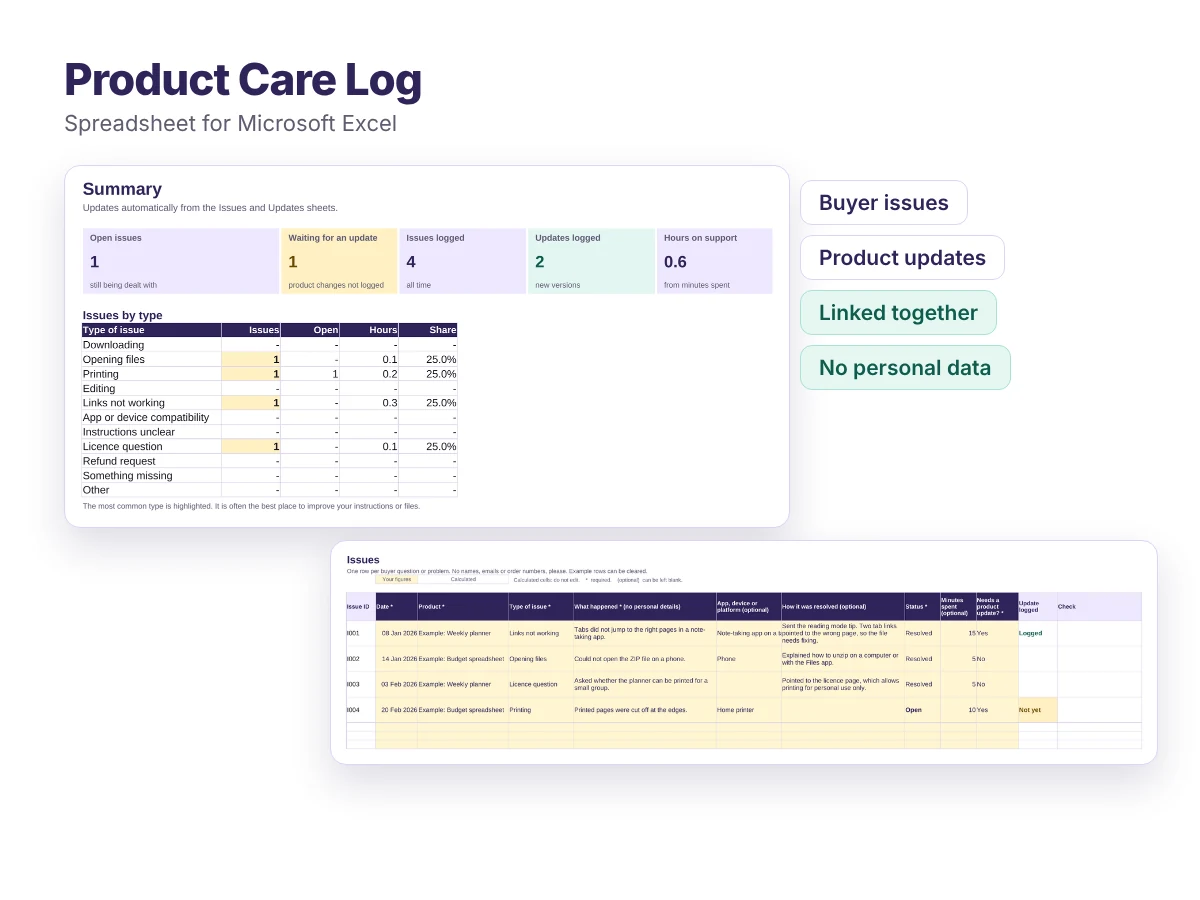
Keep track of buyer questions, product problems and the updates you make to fix them, all in one place.
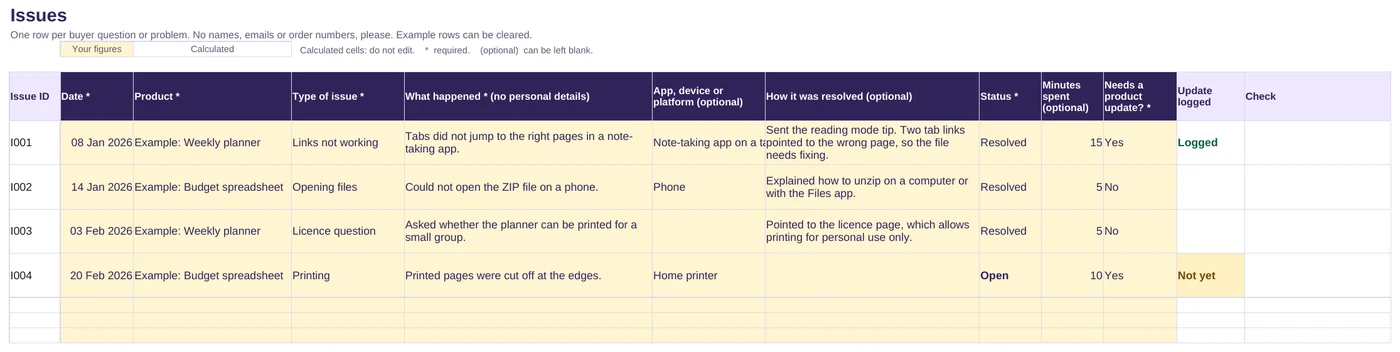
- Log buyer questions and problems, and how you solved them
- Log every product update, with a version number and checks
- Issues that need a product fix stay flagged until the update is logged
- Designed to keep buyers' names and emails out of it
Free
Download the Care LogFree, with no sign-up. If it saves you time, you can support the site:
Buy me a coffeeWhat is included
- The spreadsheet (.xlsx) with five sheets: Start here, Summary, Products, Issues and Updates
- Room for 50 products, 500 issues and 300 updates
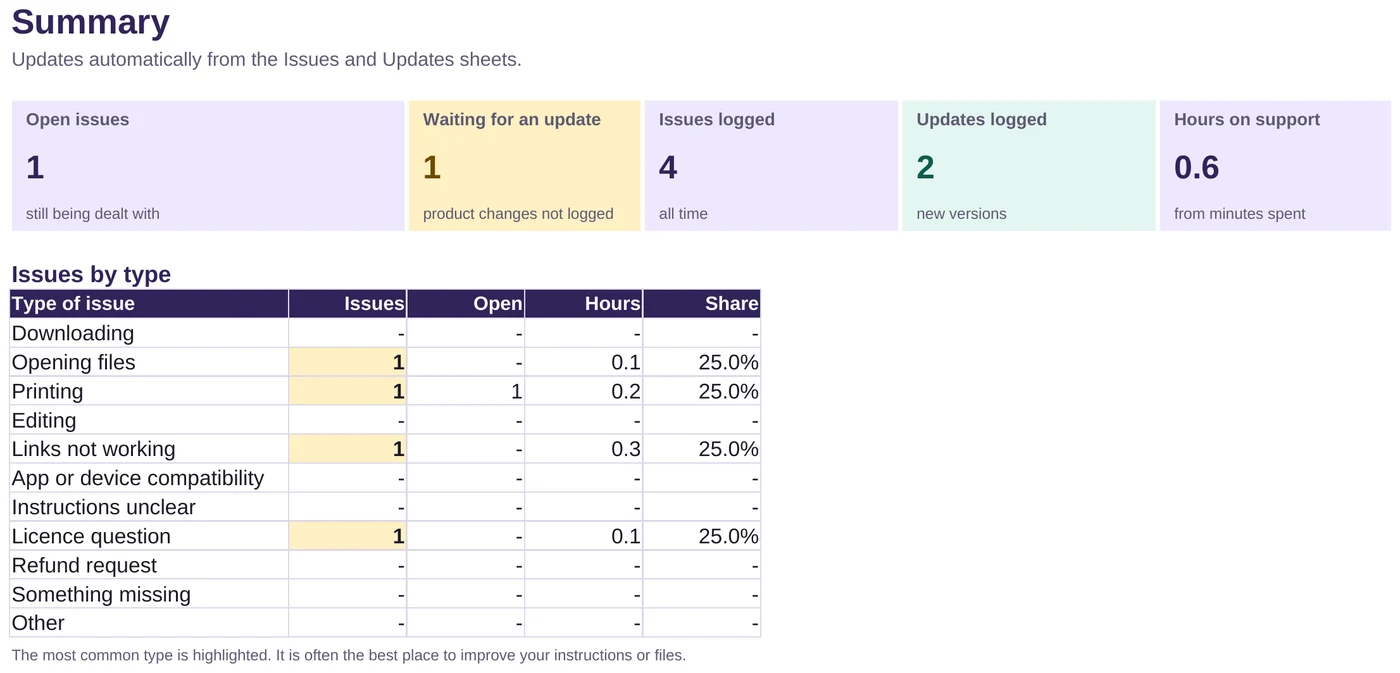
- A summary of open issues, issues waiting for an update, the most common types of problem and hours spent on support
- Drop-down menus, a check column and example rows to show how it works
Who it is for
- Sellers who answer the same questions again and again
- Anyone who updates their products and wants a clear version history
- Sellers who want to spot which product causes the most support messages
How it works
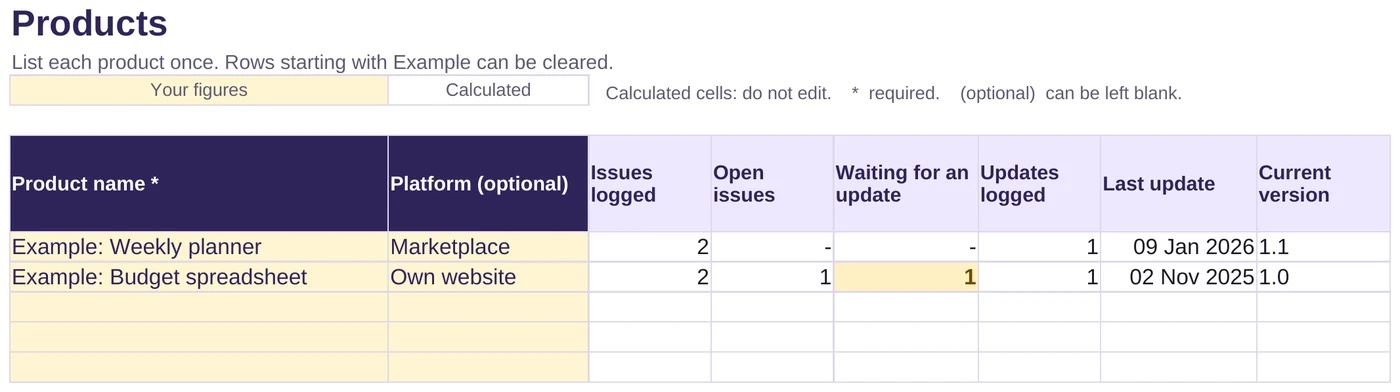
List your products
Add each product once on the Products sheet.
Log issues as they come in
Record the type of problem and how you solved it, without personal details.
Log updates and link them
When you fix a product, log the new version and the issue it fixes.
Files and requirements
- File: Microsoft Excel workbook (.xlsx)
- Made for Microsoft Excel. Also opens in Google Sheets: upload it to Google Drive and open it with Google Sheets
Related article
Licence
Free for use in your own business. Please do not resell or redistribute the spreadsheet. If you want to share it, link to this page instead.
Any figures the files help you work out are estimates, not financial, tax or legal advice.
Frequently asked questions
Is it really free?
Yes. There is no sign-up and no email address needed. Just download the file. If it helps you, you can buy me a coffee, but that is entirely optional and does not unlock anything.
Why no space for buyers' names or emails?
You rarely need them to spot patterns, and leaving them out means you are not storing other people's personal data. Your platform already keeps the full order and message history.
How does the link between issues and updates work?
Each issue gets an ID, such as I004. When you log an update, type the ID of the issue it fixes. The issue then changes from Not yet to Logged.
Found this useful?
Everything here is free. If it saved you some time, you can support the site with a coffee. It is entirely optional.
Also free
-
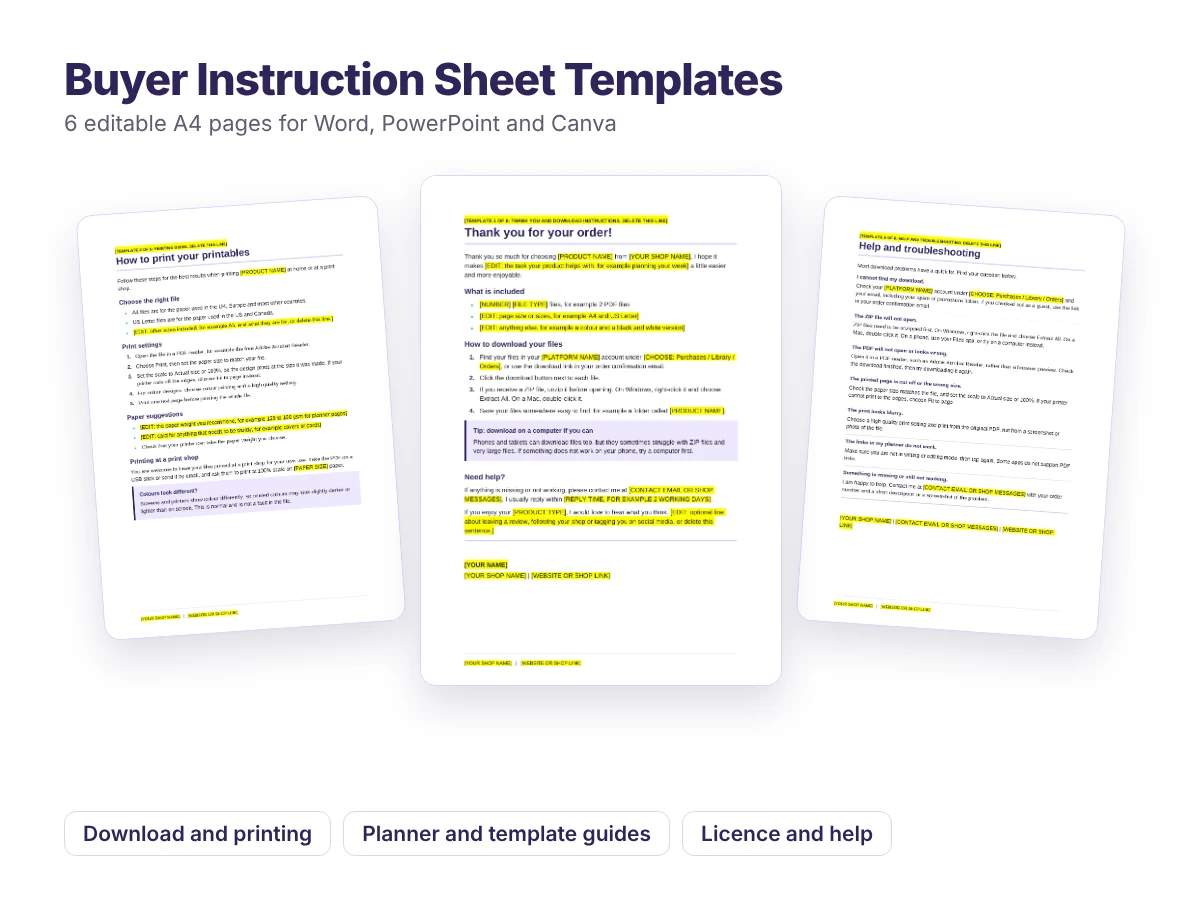
Editable templates for Word, PowerPoint and Canva
Buyer Instruction Sheet Templates
Six ready-to-edit pages to include with your digital downloads, so customers know exactly how to download, print and use what they bought.
Free -
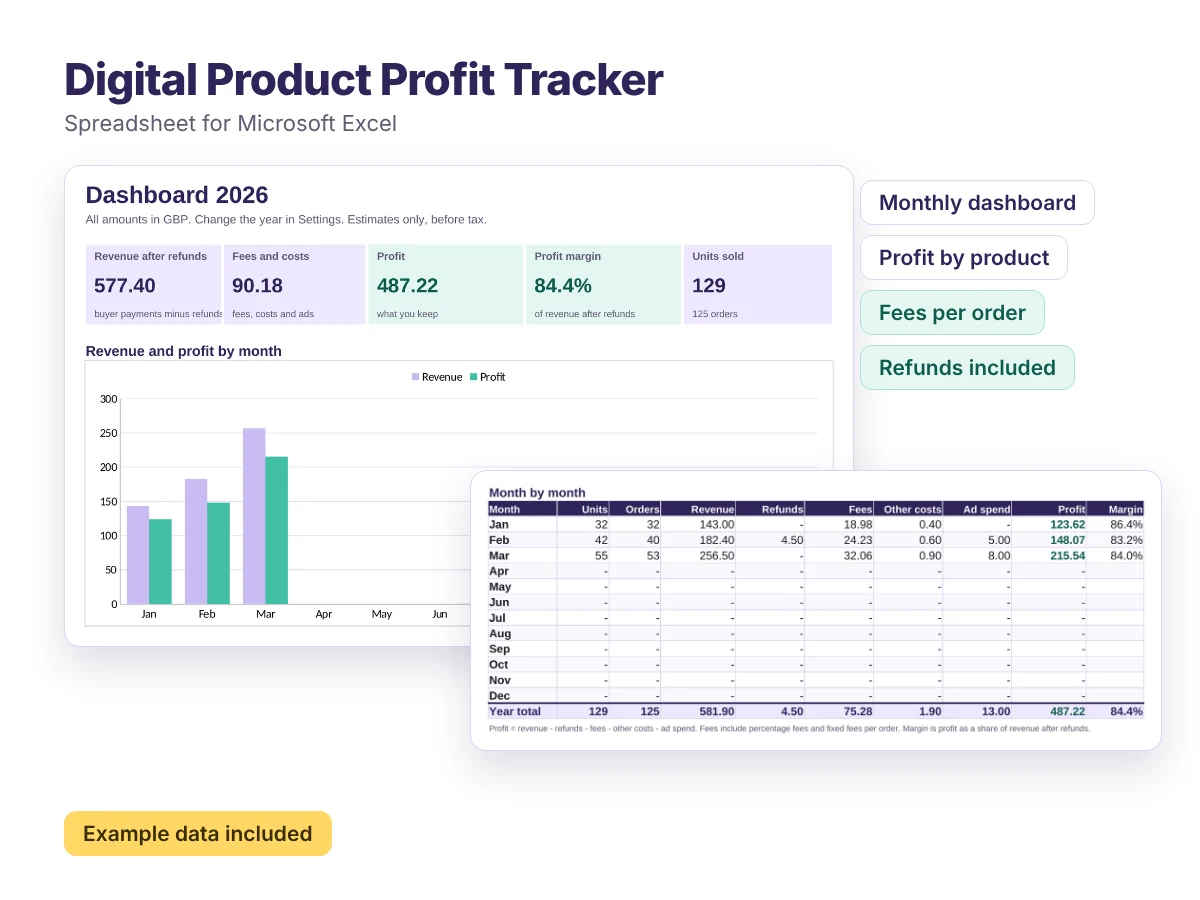
Spreadsheet for Excel, also opens in Google Sheets
Digital Product Profit Tracker
A ready-made spreadsheet that shows what you actually earn from every digital product, month by month.
Free -
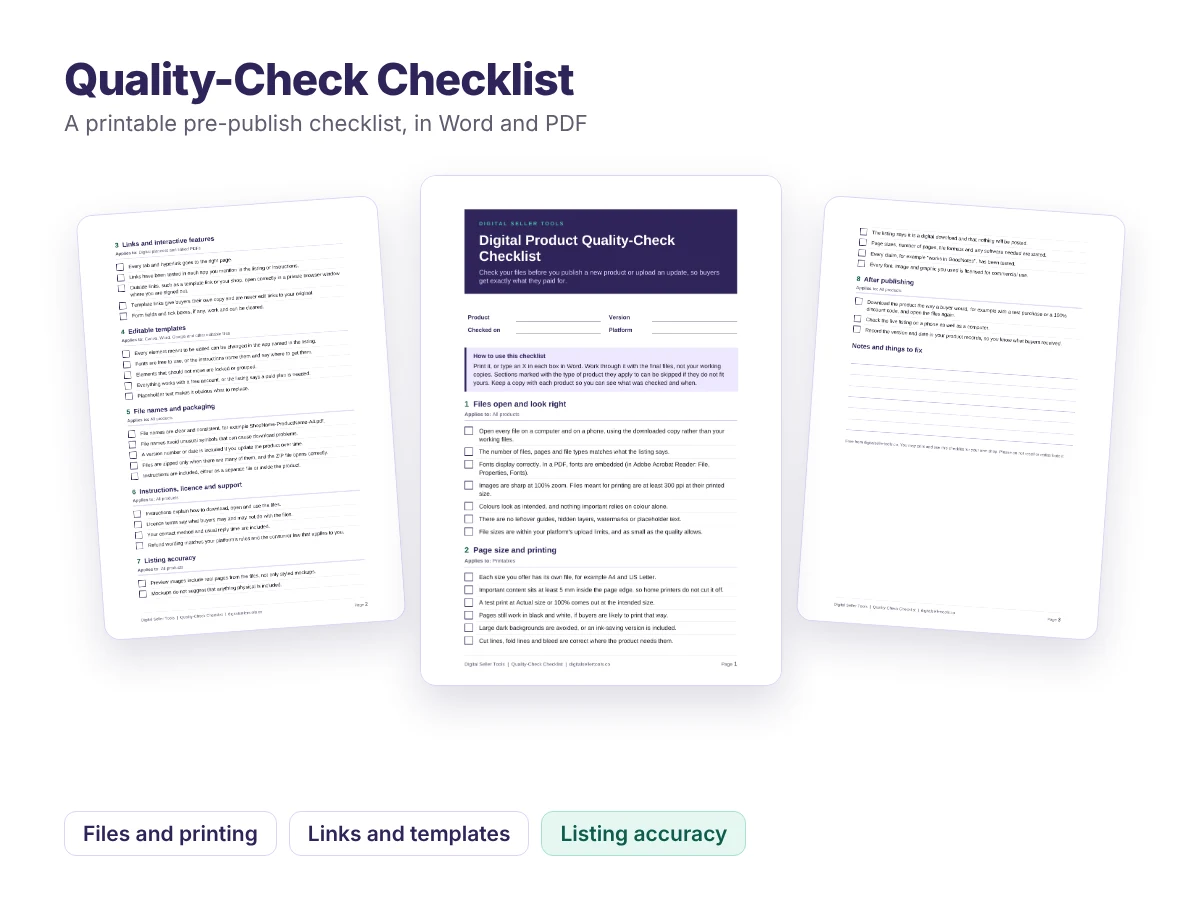
Printable checklist, PDF and Word
Quality-Check Checklist
A pre-publish checklist that catches broken links, cut-off pages, missing fonts and misleading previews before your buyers do.
Free